
Case study 6 min October 2026
i9-14900KF case: 100 °C, cooked VRMs and «it's all perfect»
A dream PC on paper, built wrong: AIO pump on the wrong header, cooked VRMs and a bulging capacitor. How I made it stable again: microcode, BIOS and undervolt.
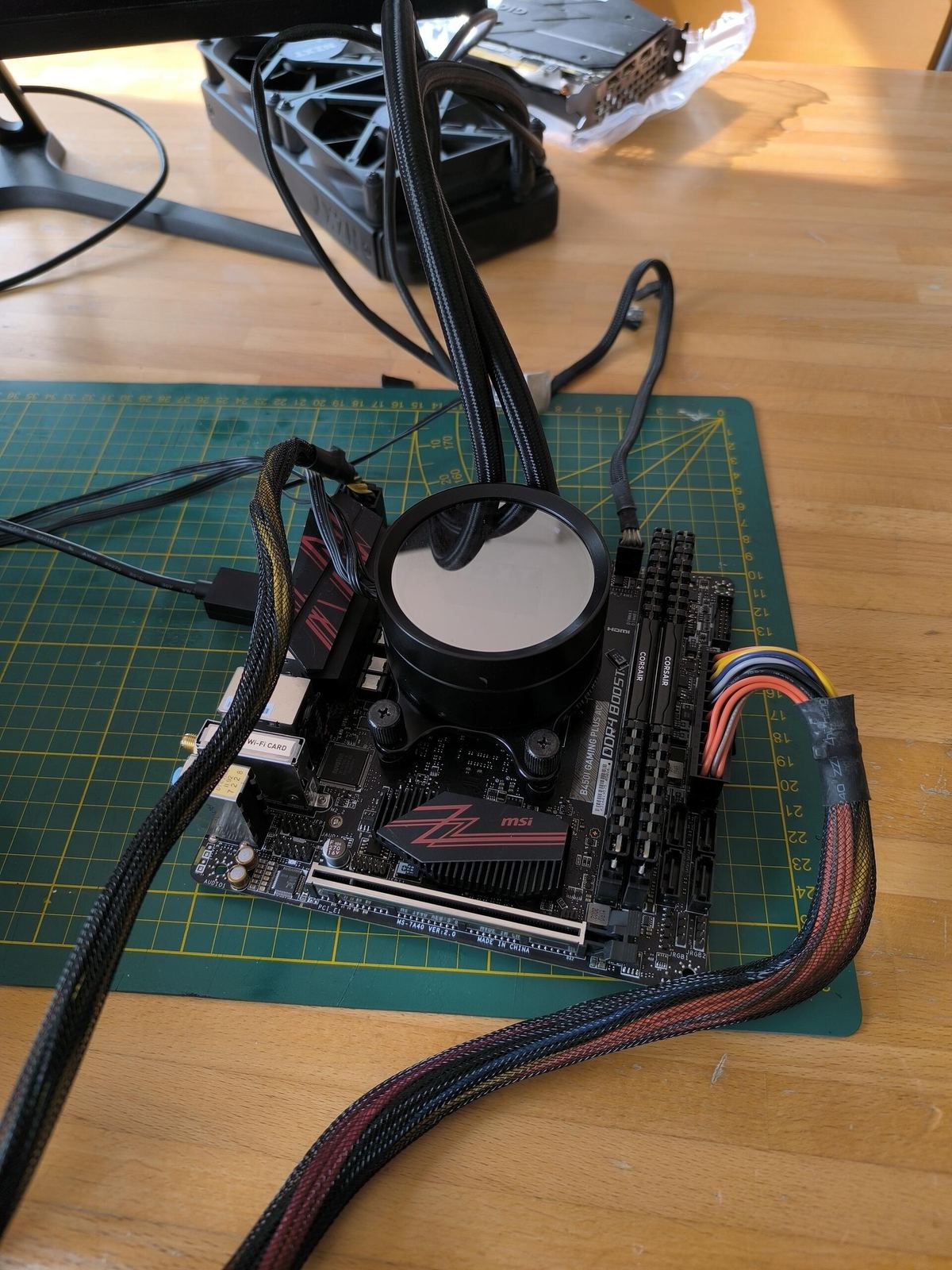
«The PC is perfect, if it crashes it's your software.» That's what a customer was told before coming to my lab with a monster spec on paper: Intel Core i9-14900KF, RTX 4080 and 64 GB of DDR5. The person who said it was the one who had built it. I preferred to look at the facts — and the facts said the PC was cooking.
A 240 mm AIO and fossilised paste
To tame a 14900KF someone had fitted a cheap 240 mm AIO with the stock paste untouched for over two years. On a CPU like that, dried paste insulates instead of conducting.
The masterpiece: the headers
- ▸The AIO pump — plugged into a regular SYS_FAN header instead of PUMP_FAN: the coolant barely flowed.
- ▸The radiator fans — one on CPU_FAN, the other on a random SYS_FAN: one ramped up, the other slept.
Result: 100 °C within seconds and thermal protection kicking in.
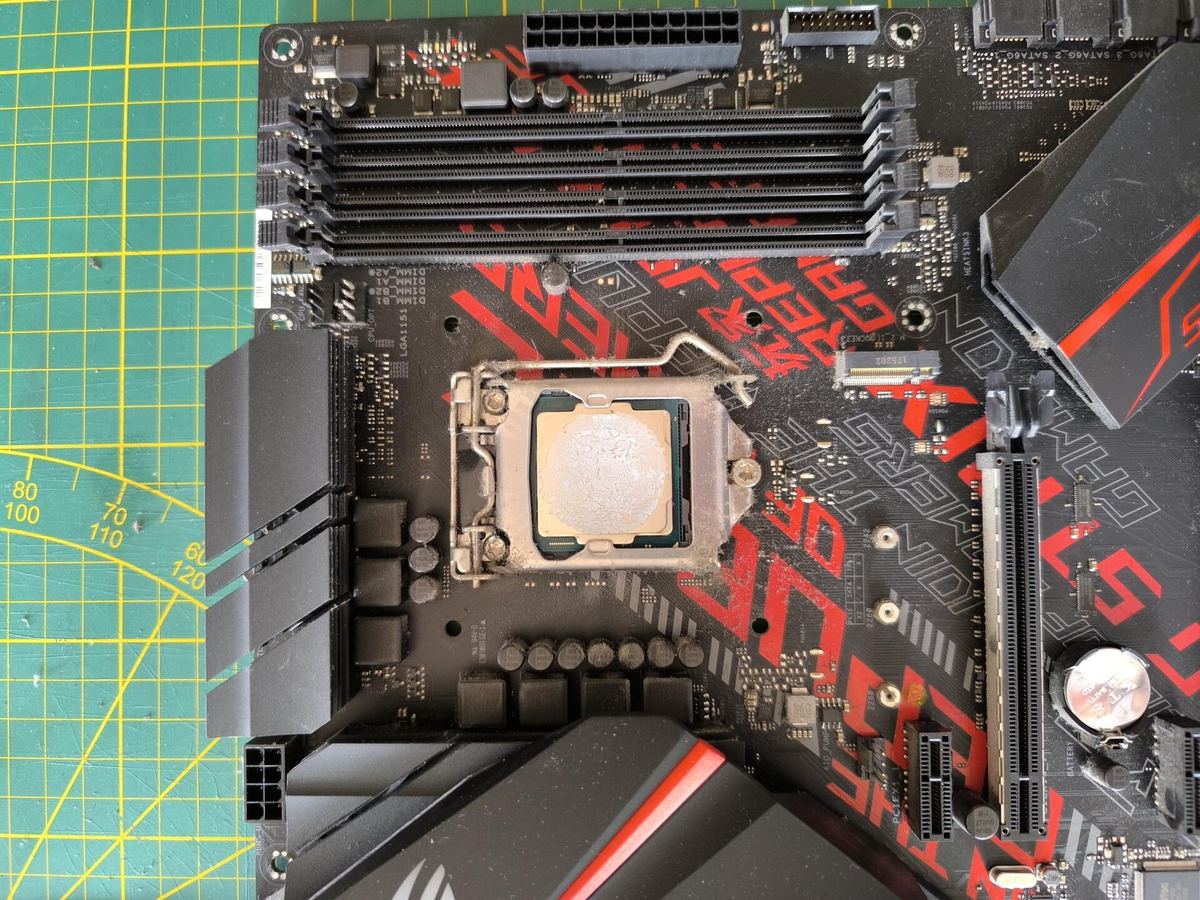
Electrical damage: cooked VRMs and a bulging capacitor
An i9-14900KF with no power limits can pull over 300 W in boost. On an entry-level board with few power stages and tiny VRM heatsinks, months of that current did their job: the CPU power stage was literally cooked, and I also found a bulging capacitor on the board.
A note for the hardware crowd: DDR5 has nothing to do with the CPU VRMs, since every module carries its own voltage regulator (PMIC). Four sticks do put a heavy load on the memory controller, though, which added to the instability.
The thing everybody forgets: Intel microcode
13th and 14th gen Intel Core CPUs have a known issue: the processor requests excessive voltages that degrade it over time and cause more and more crashes. Intel fixed it with microcode updates (0x12B and later) shipped through BIOS updates. On a crashing i9 it's the first thing to check — and this PC was on an old BIOS.
The cure: the right hardware and a hand-tuned BIOS
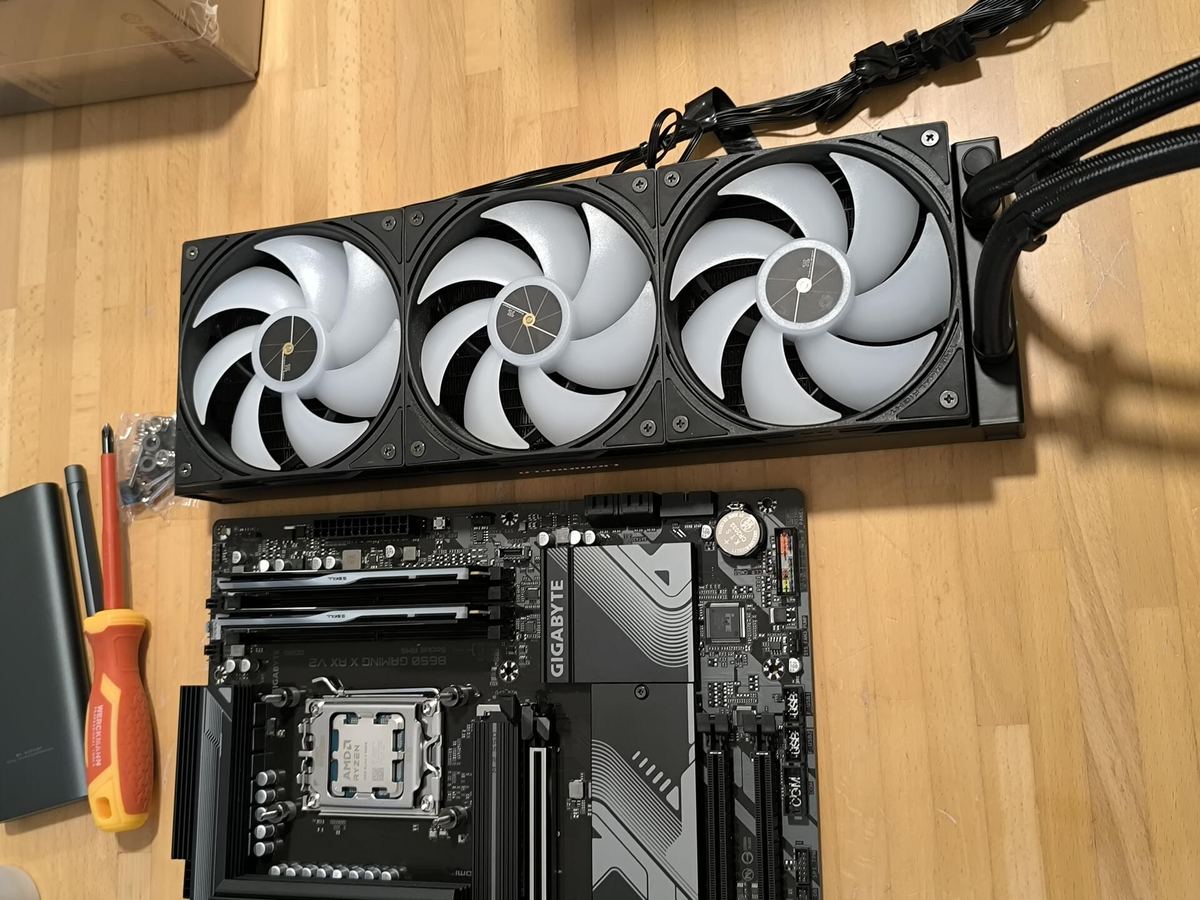
I replaced the board with an MSI Z790 Gaming Plus WiFi and fitted a 360 mm Thermalright liquid cooler with Arctic MX-6. Then I made the silicon talk.
- ▸Updated BIOS — latest version with Intel's fixed microcode and Intel Default Settings as the baseline: a 253 W limit instead of unlimited power.
- ▸RAM tamed — despite the quad-fill challenge, all four sticks stable at 5200 MT/s.
- ▸Manual undervolt — negative offset validated in OCCT and Cinebench: the P-cores average 5.65 GHz in games, and under a full stress test the CPU stays within 90 °C.
| Metric | Before | After |
|---|---|---|
| CPU temperature under stress test | 100 °C constant | 90 °C max |
| CPU power | peaks over 300 W | 253 W limit, about 190 W in games |
| Average P-core clock in games | 4.1 GHz (thermal throttling) | 5.65 GHz |
| BIOS microcode | old | updated |
| Crashes | Constant | Zero |
CPU temperature under stress test
Before 100 °C constant
After 90 °C max
CPU power
Before peaks over 300 W
After 253 W limit, about 190 W in games
Average P-core clock in games
Before 4.1 GHz (thermal throttling)
After 5.65 GHz
BIOS microcode
Before old
After updated
Crashes
Before Constant
After Zero
Higher clocks, lower power, less heat. Not magic — just a high-end PC set up by someone who knows what he's touching. And a check-up is already booked in six months.
🔥 Is your PC running hot, crashing or underperforming?
Bring it to my lab in Polegge or message me on WhatsApp.
Got a similar problem?
Bring me your PC or console — free diagnostics and no-obligation quote.
Message me on WhatsAppRequest a Quote
The Lab
Il Garage dei PC — Polegge, Vicenza.
Mon–Fri 8:30am–12:30 / 2:30–6:30pm
Sat 8:30am–12:30
Need a Technician Now?
PC, laptop and console repairs in Vicenza — by appointment, no hidden costs.